User Role Management
To setup user roles that would give different level of access to requests, approving requests and provisioning requests for users you need to access the django admin. To set up a user account with django admin access check here: setup-user
Role Permissions/Access
EResearch Body Admin will have access to the ERB level of all ERBS requests.
EResearch Body System Admin roles will have access to requests within their ERBS level.
Approver roles will have access to their ERBS level of requests for approving requests.
Provisioners will have access to the ERB level access of all ERBS requests.
Role Set Up
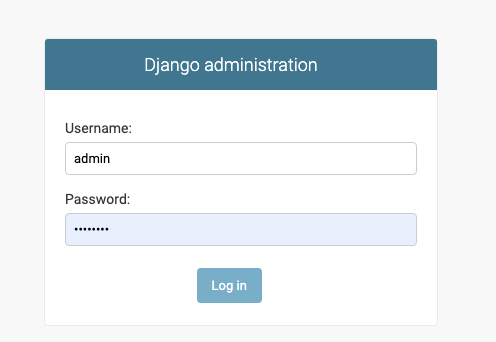
In order to set the role of a user first log into the django admin
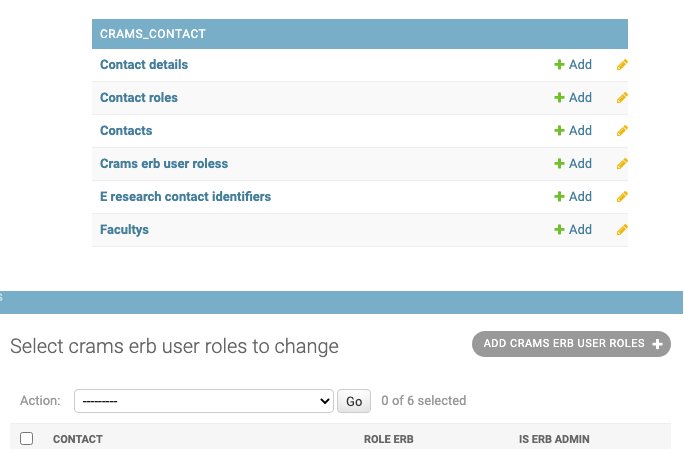
Click on Crams erb user roles under the CRAMS_CONTACT section and click on ADD CRAMS ERB USER ROLES button in the top right
Select the contact of the user from the dropdown list and set the Role ERB.

Approver Role
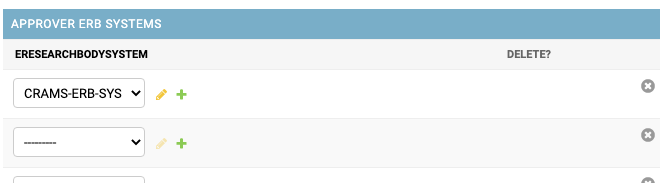
To set the user as an approver role select the ERBS in the Approver ERB Systems section.
Provisioner Role
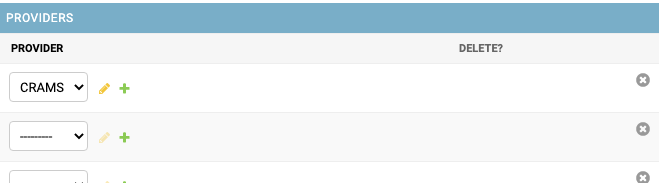
To set the user as a provisioner role select the Provider in the Providers section.

ERBS Admin Role
To set the user a ERBS Admin role select the ERBS in the Admin ERB Systems section.

End Date of Role user Access privilieges
To set a date that would cease the users privilieges access, set the date and time in the End date section.
